


How I Created Graphics for my Amazon KDP Notebooks Using Canva

Notebooks available below
I was intrigued by the idea of Amazon KDP and wanted to make sure I didn't infringe upon copyright laws so I was very wary of using other people's art to make notebooks so my thought was to create images for my notebooks... 📒 I love drawing and am able to make cute doodles on paper but haven't had much luck drawing digitally.
So I took pictures of many things that I see on a daily basis and enjoy and found some items I thought would make cute graphics for my notebooks! As I grew my collection of images I was able to start making patterns with them as well and have loved the cute notebooks that have come from them!
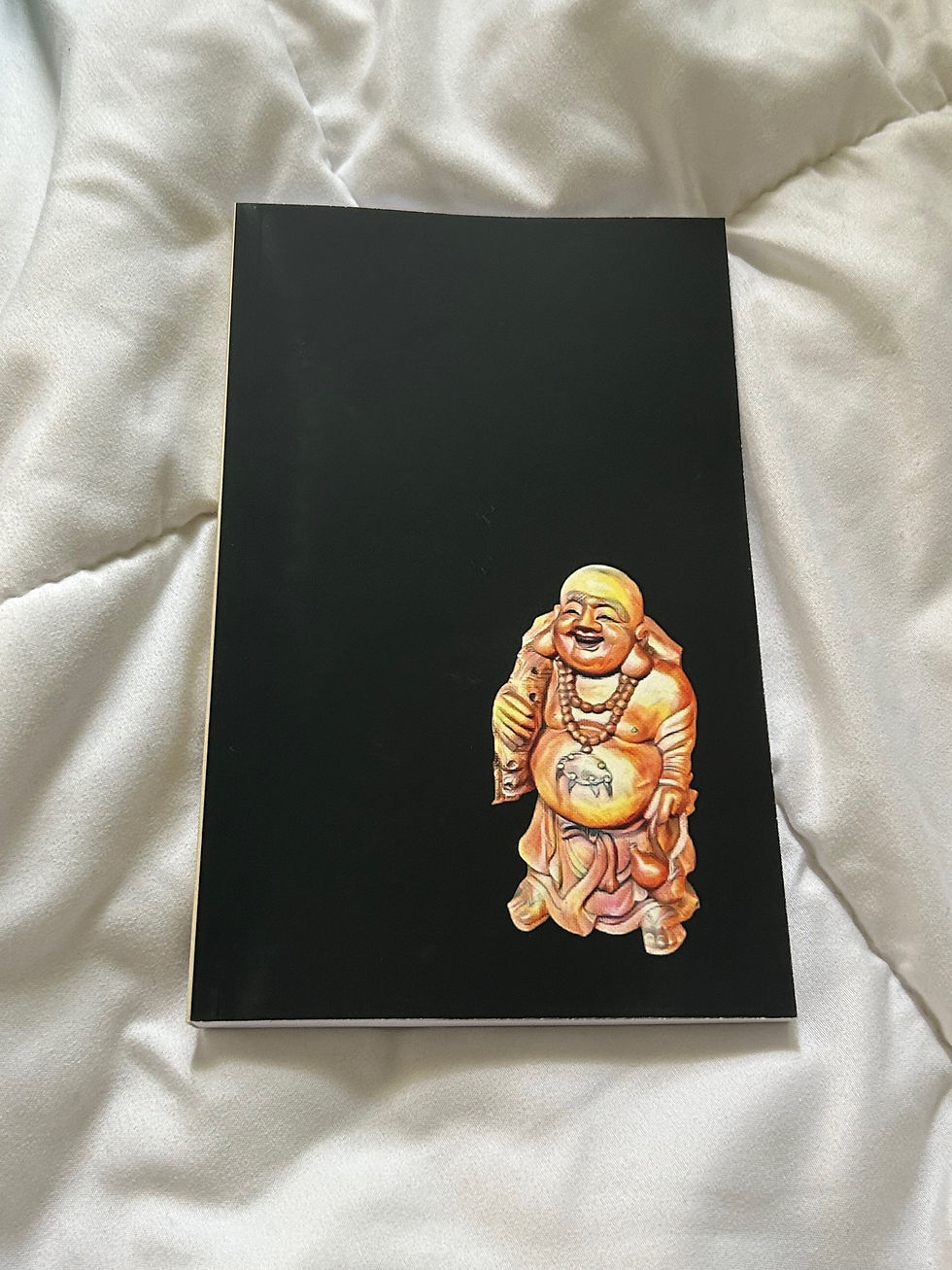
Buddha is my main favorite! This statue is hand carved from wood and is in a local Chinese restaurant.

So I started with an image like this and uploaded it to Canva, I have a pro account and love using the background removing tool

After removing his background I added filters in Canva to make him look more like a sketched image.
After you add the filter you will have to save your image and remove the background again.
After removing his background I saved him as a transparent background png. I've used this image for notebooks, stickers, social media posts, and even uploaded the image into design software for my xTool M1 laser cutter to make keychains.


Comments